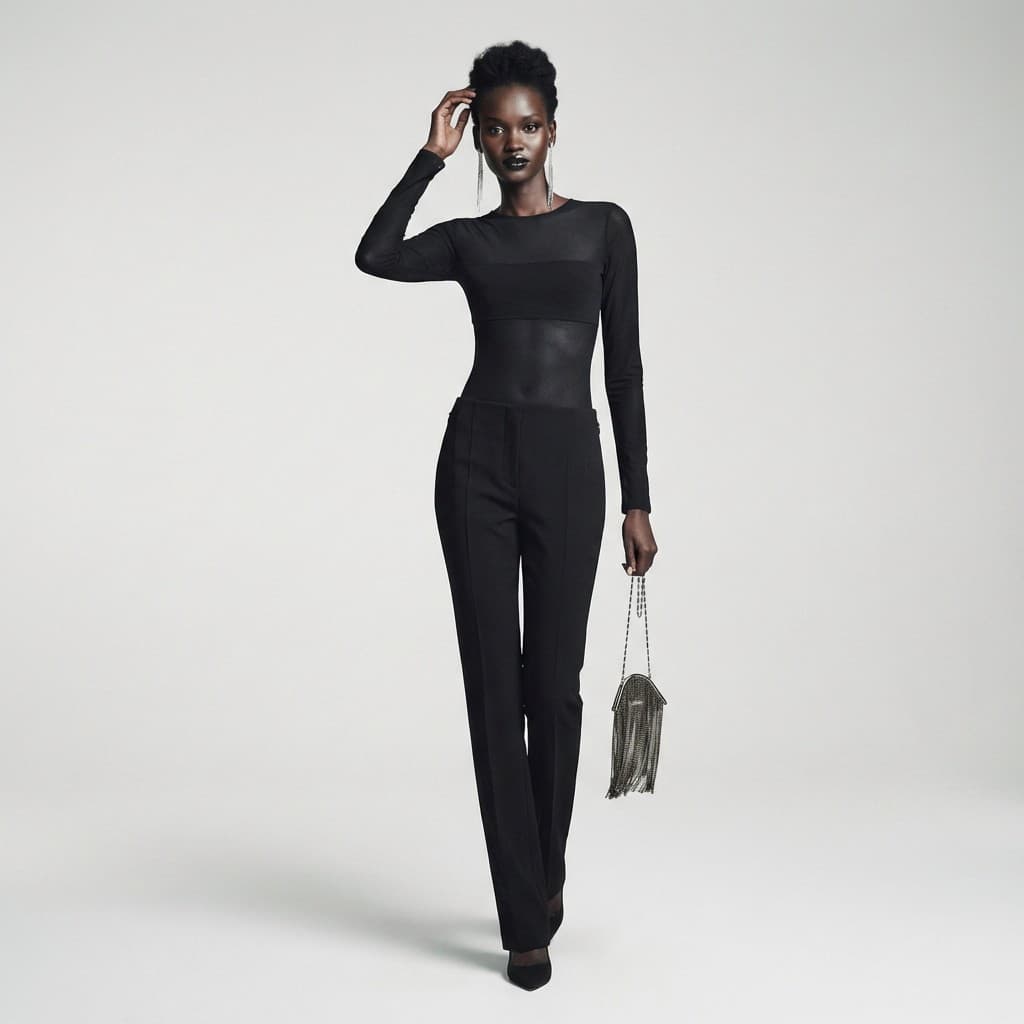
FashionModel
Monochromatic Studio Style
Professional studio scene with a light-gray background.
~25s
4 credits
1Upload Example
Take a full-body photo wearing the apparel and accessories you want to sell (cropping or obscuring the head is recommended). This type of photo helps AI understand the garment's style, length, and sheerness, resulting in the most accurate generation. If high accuracy is not required, you can also upload photos of clothes laid flat on the floor. Photos should be taken at eye level, without obscuring details. See the example below:
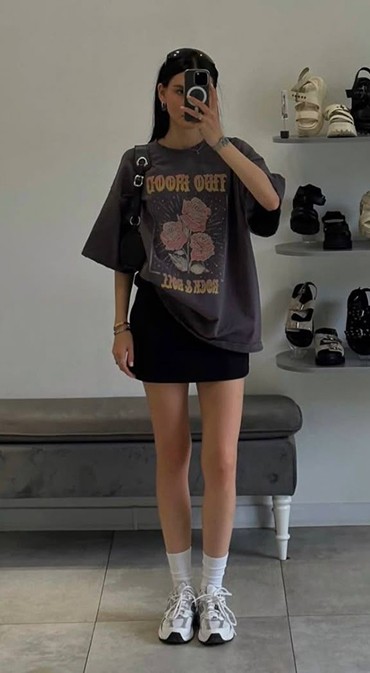
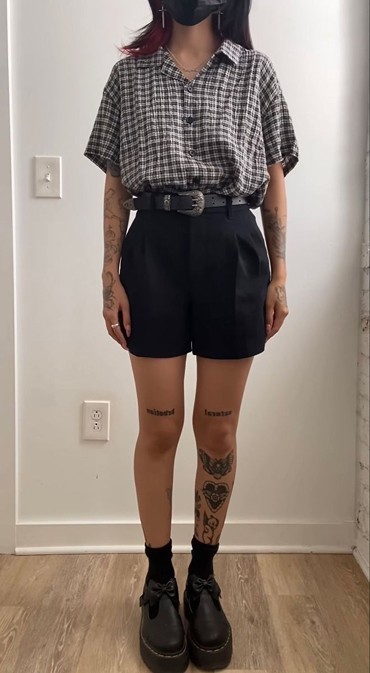
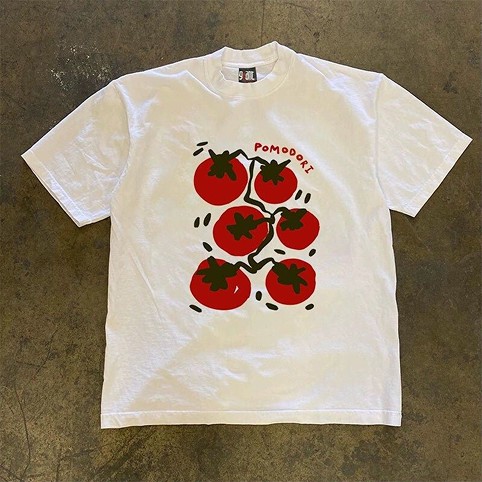
Upload Apparel/Accessories
0/5Up to 5 images can be uploaded.
Click or drag images to upload
PNG, JPG, JPEG, or WebP • Max 5 images
2Other
Ethnicity*
Gender*
Image Settings
Quality Selection
Stay close to the original resolution to avoid AI over-imagining details.
Image Ratio
4 credits
Login to Generate